Installation
In CommandBox, ensure you've got the latest version of the cfwheels CLI - this is useful for installing plugins and running unit tests from the commandline.
$ install cfwheels-cli
Then simply create a directory, and run the install command:
$ mkdir myApp
$ cd myApp
$ install cfwheels-example-app
Download/Clone the repo. Unzip to a directory of your choice.
Navigate to the root of the app and in commandbox, start the server by running start. Lucee 5 will be started by default. If you require Adobe Coldfusion 2016, you can use start exampleappACF which will load an alternative json file in the site root. Note: ACF will run on 127.0.0.1:60051, where as the lucee version will run on 127.0.0.1:60050 so you can run them concurrently if you want. The following instructions are for the Lucee version.
You will get an error when the site initially loads, that's expected. We need to create a database and setup the datasource.
Setup a local mySQL database called exampleapp and ensure you've got a valid user account for it. Locally that's probably root. The example app is currently only tested with MySQL. To create a new schema using the MySQL command line, run the following command:
-
mysql> CREATE DATABASE exampleapp;
You could also use a GUI, e.g. MySQL Workbench
Login to the Lucee Administrator at /lucee/admin/server.cfm. As this is your first login, you will need to create a password for the administrator. Note, if you're logging into /CFIDE/administrator, the default password for the admin is commandbox.

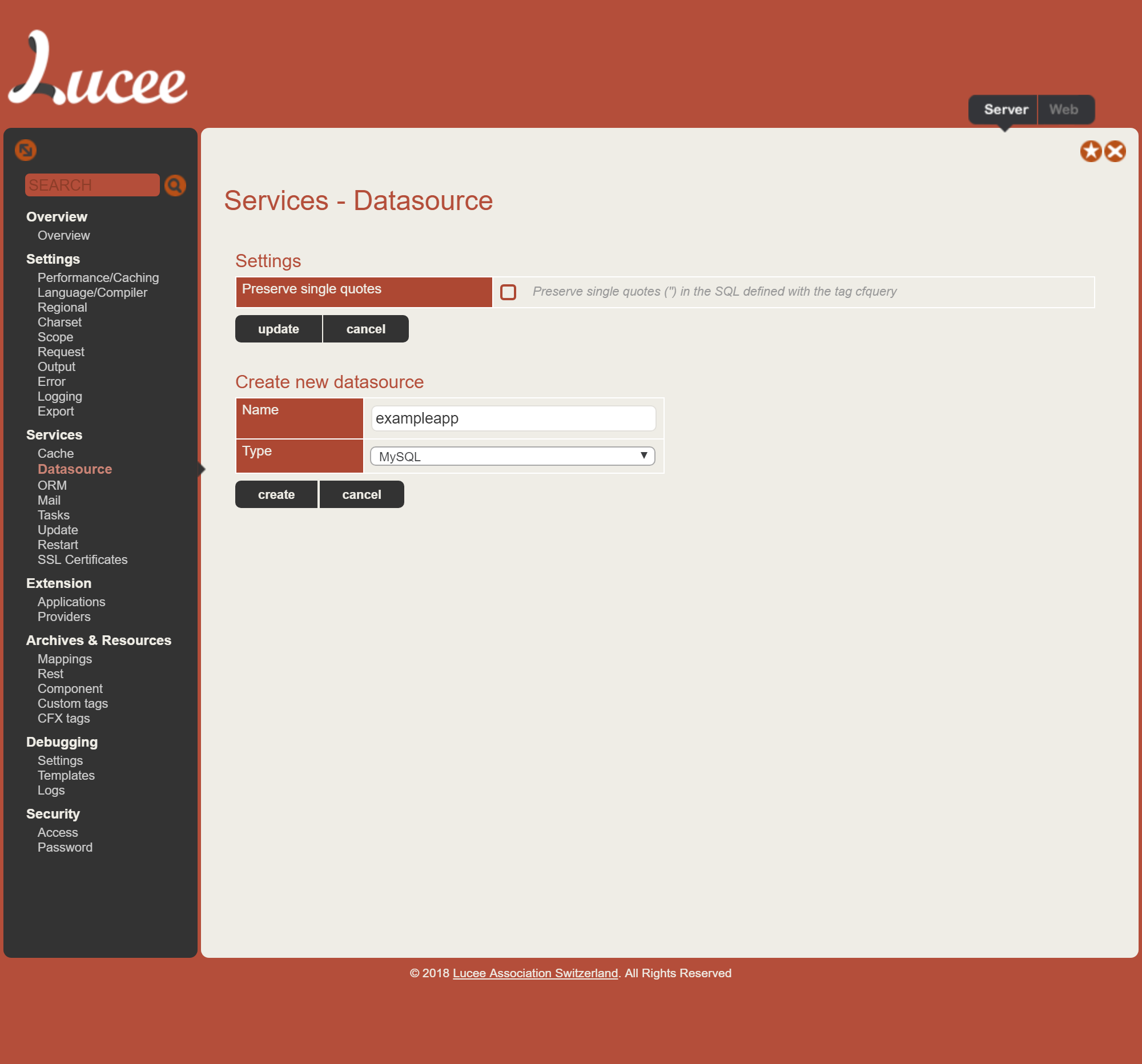
Select Services > Datasource from the left hand column

Create a new mySQL datasource called exampleapp
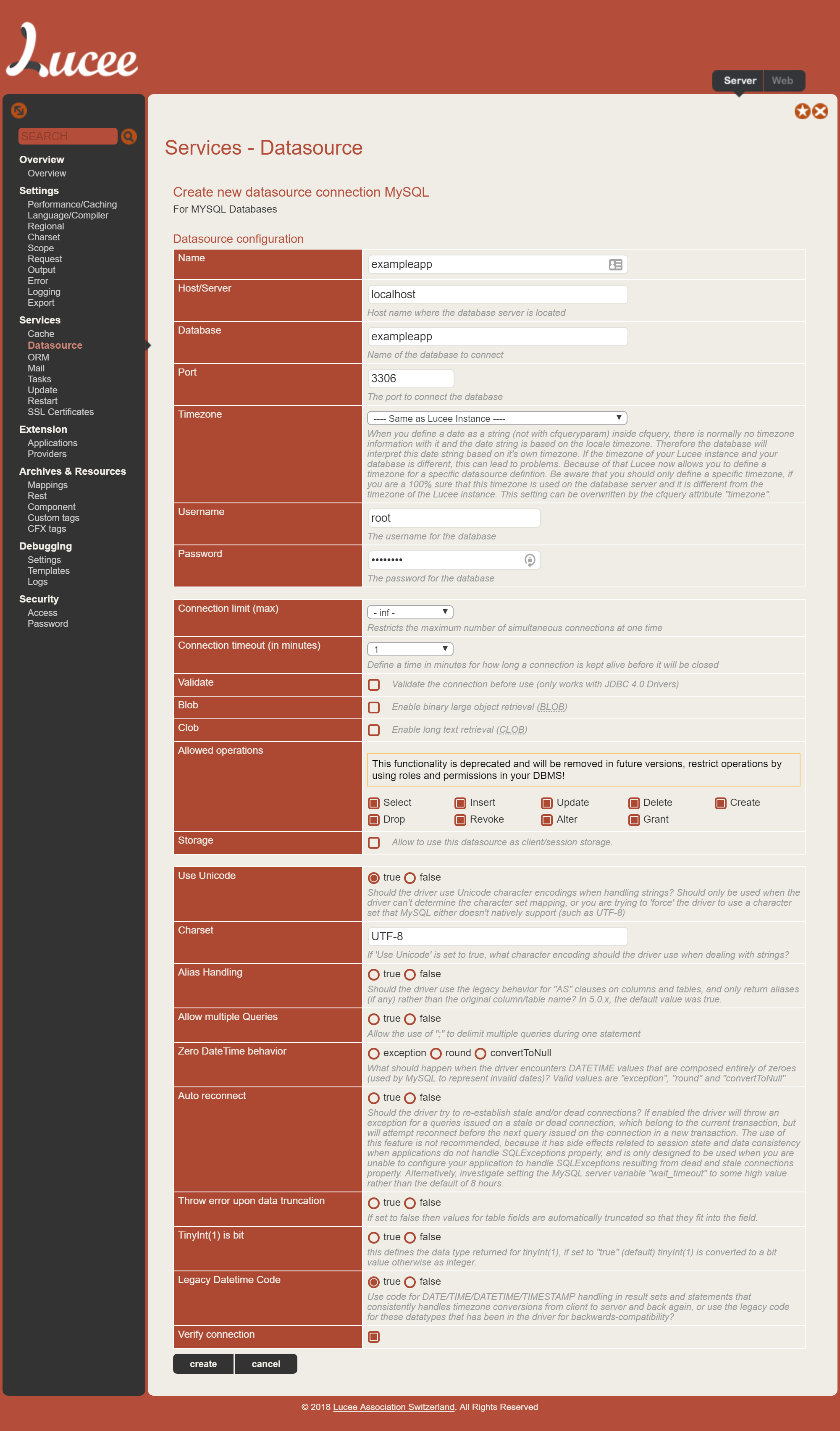
Fill in the database credentials
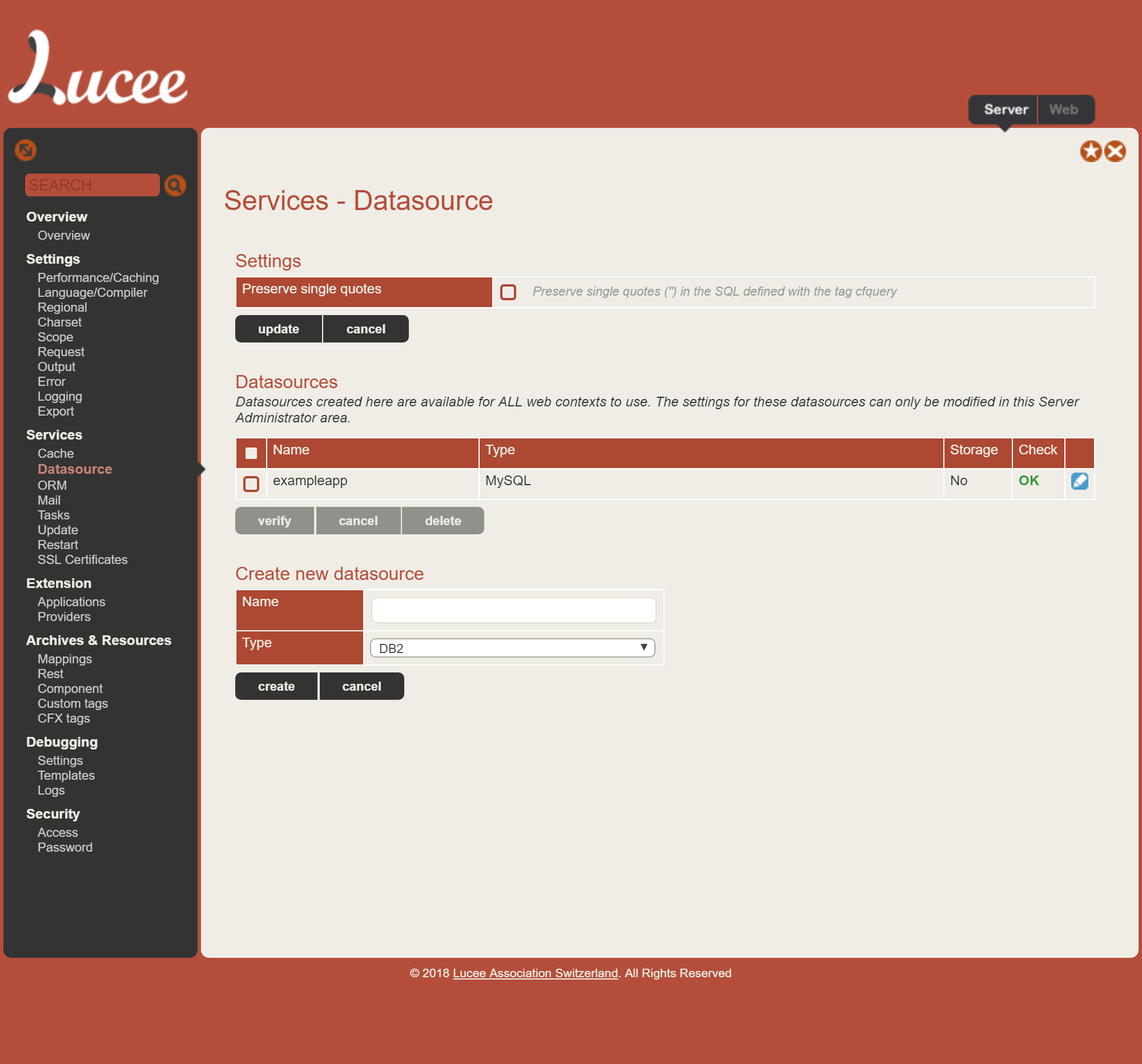
On saving you should see a green check "OK"
Return to the site root. You'll get another error; again, that's cool. We need to run the database migrations.
Navigate to http://127.0.0.1:60050/rewrite.cfm?controller=wheels&action=wheels&view=migrate
Select the Migrations Tab
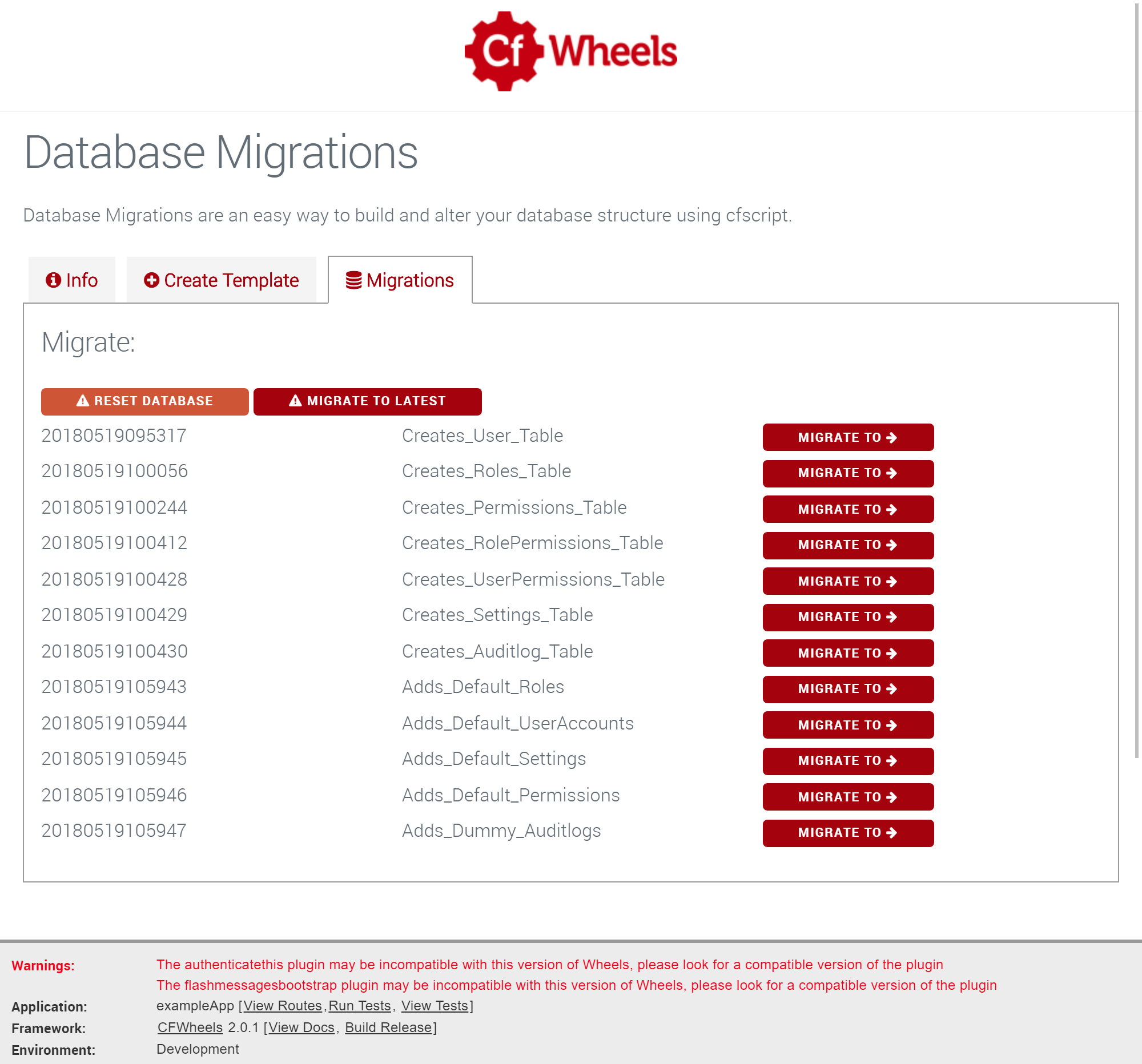
Click Migrate to Latest
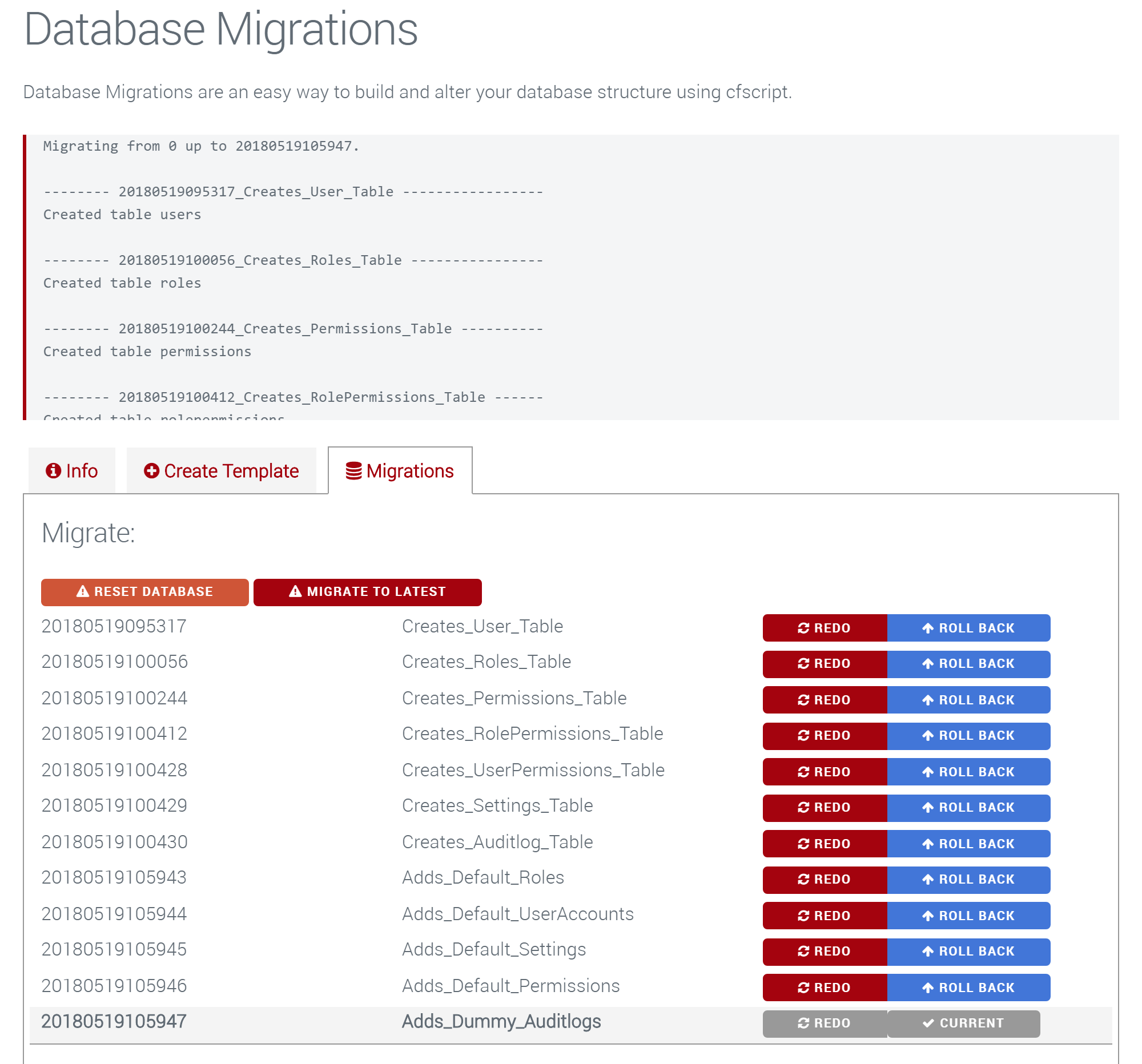
Reload the application by visiting http://127.0.0.1:60050/?reload=true&password=changeme
- In
config/app.cfm- Change
this.nameto something more unique - If using HTTPS change
this.sessioncookie.securetotrue - Either remove or change the SMTP configuration at the bottom; set to port 25 localhost if running locally.
- Change
- In
config/settings.cfm- Change
reloadPasswordto something unique (anddatasourcename if required)
- Change
- In
events/onapplicationstart.cfm- Change
application.encryptionKeyto a new one (generate viagenerateSecretKey("AES"))
- Change