A modern theme collection for Android Studio and IntelliJ IDEA featuring both dark and light variants with carefully crafted color palettes, vibrant accents, and optimal contrast for enhanced coding experience.
The original dark theme with deep blacks and vibrant accents for comfortable coding in low-light environments.
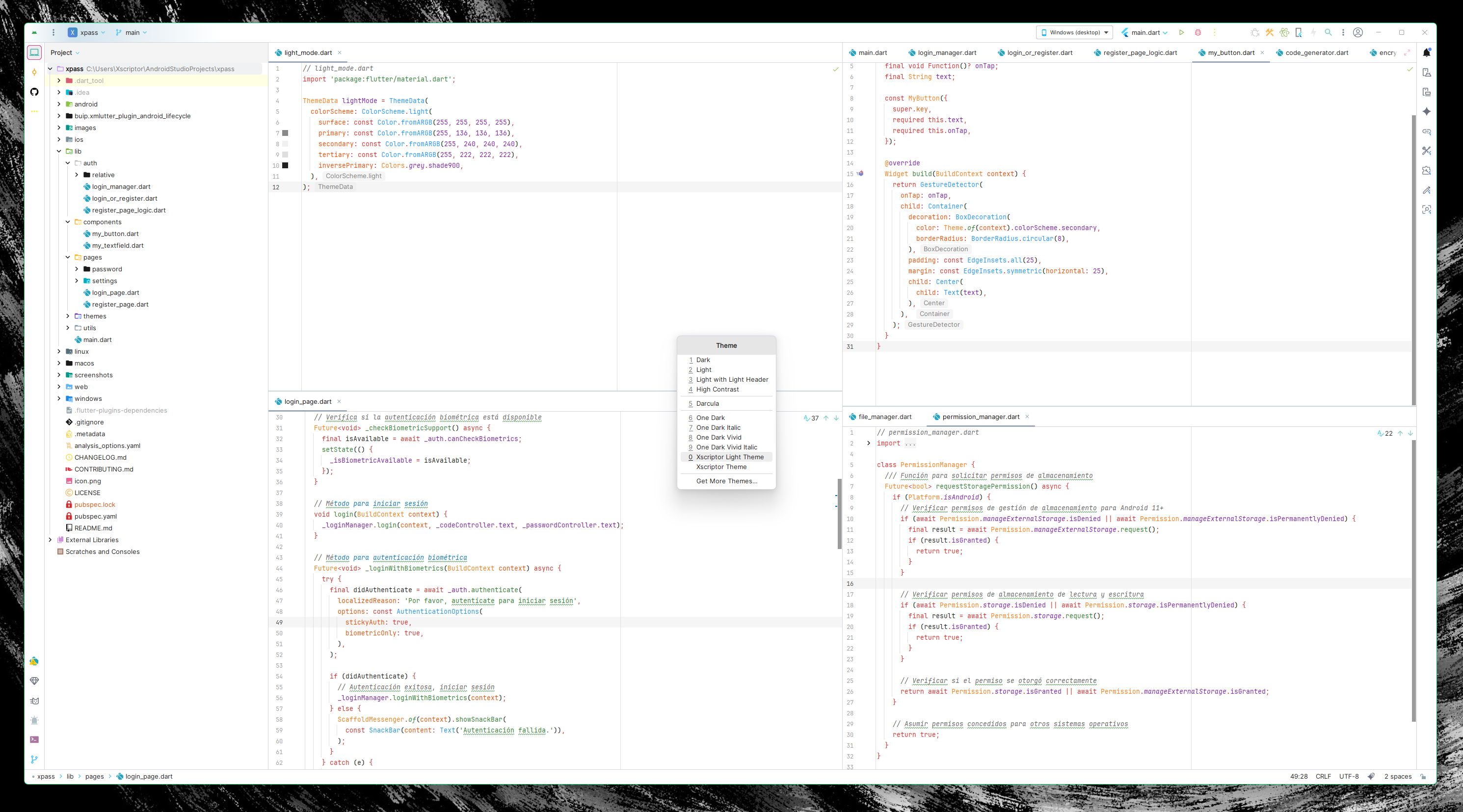
A clean light variant with inverted colors maintaining the same visual hierarchy and contrast ratios as the dark theme.
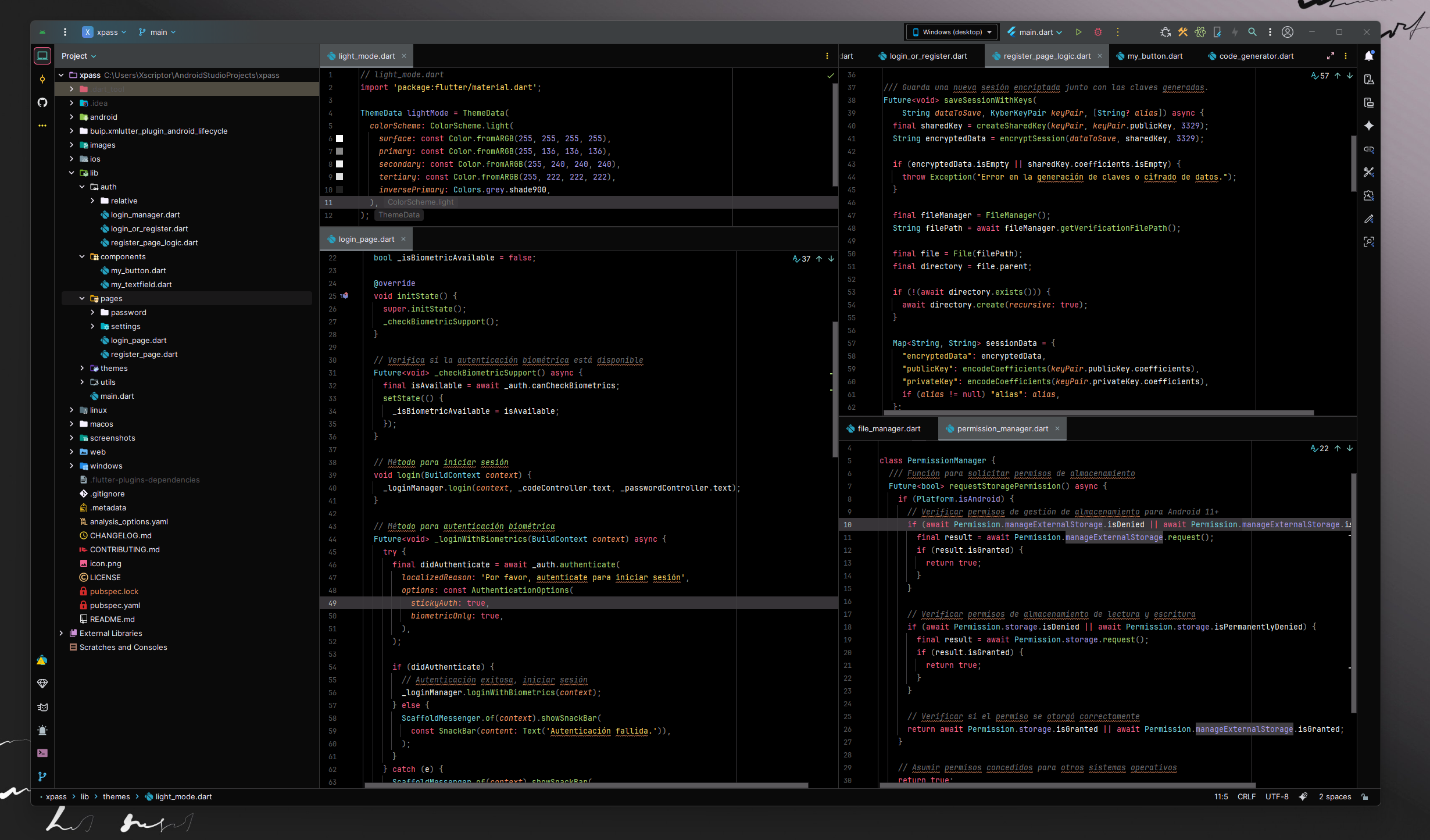
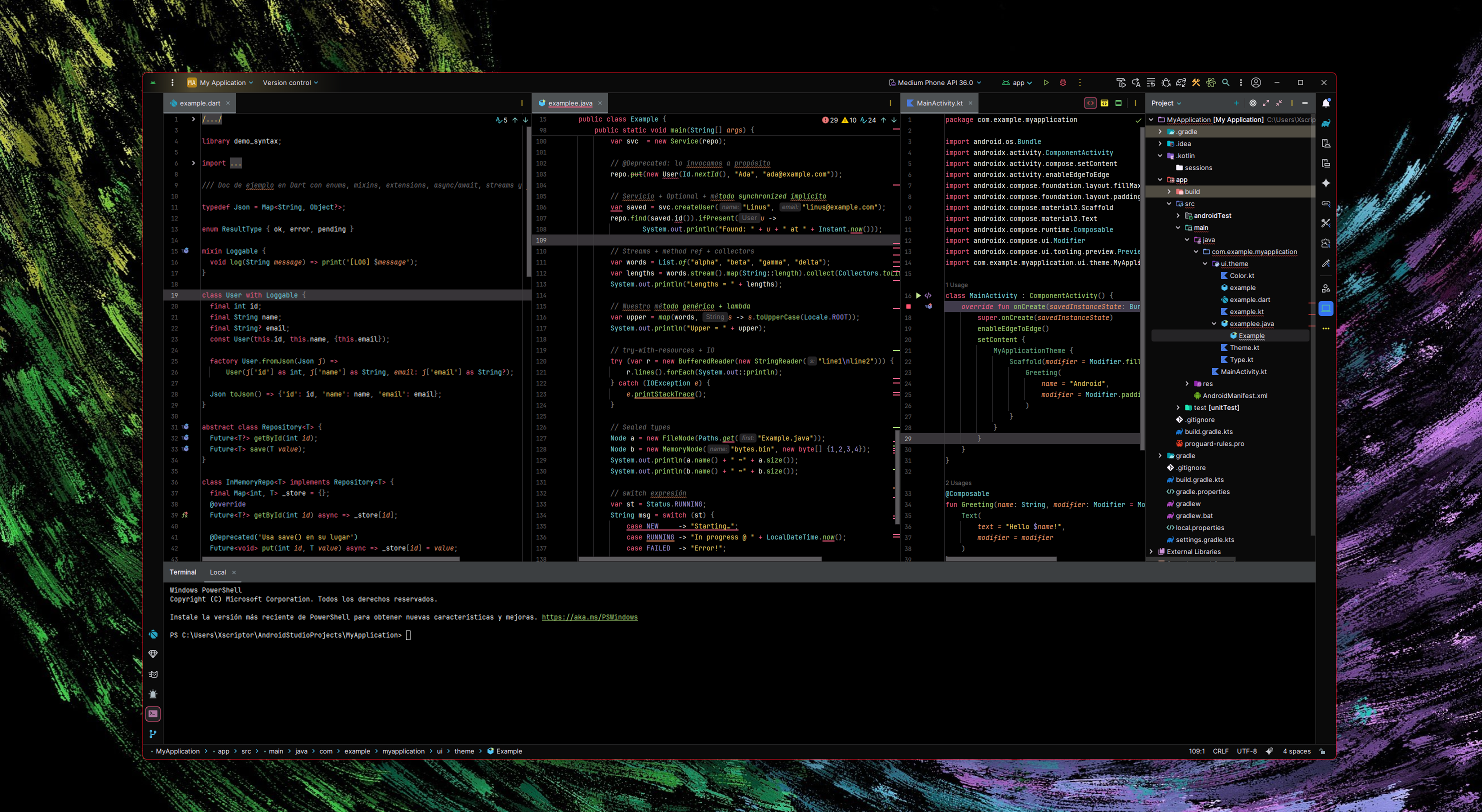
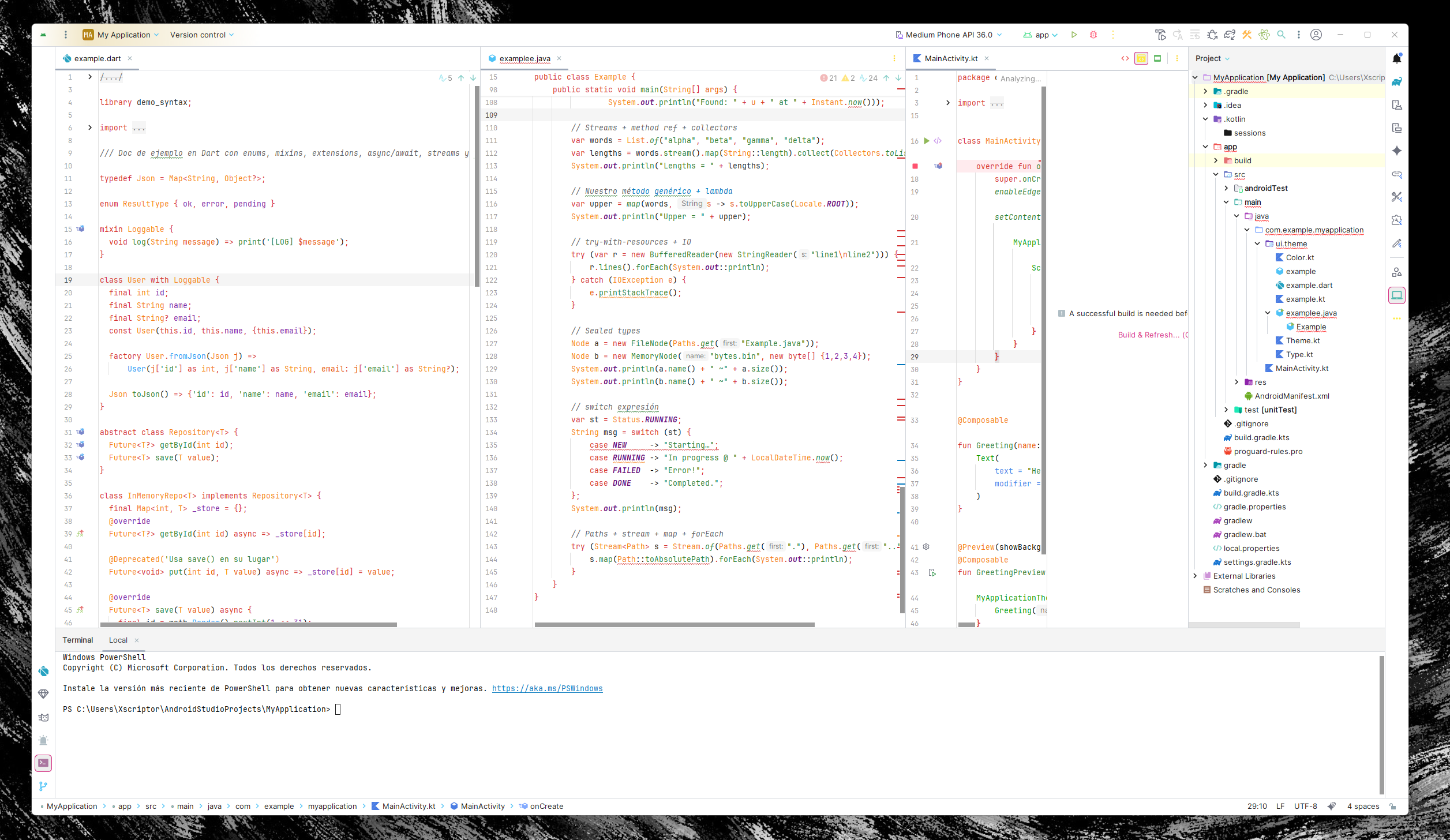
- Background: Deep black (#0a0a0a) with subtle variations
- Accent: Vibrant pink (#fc618d) for highlights and focus elements
- Secondary Accent: Bright cyan (#5ad4e6) for complementary elements
- Success: Fresh green (#7bd88f) for positive states
- Warning: Warm orange (#fd9353) for attention
- Info: Soft purple (#948ae3) for informational elements
- Background: Pure white (#ffffff) with light gray variations
- Accent: Same vibrant pink (#fc618d) for consistency
- Secondary Accent: Same bright cyan (#5ad4e6) for complementary elements
- Text: Dark colors for optimal readability on light backgrounds
- Download the theme files
- Copy to your IDE's plugins directory
- Restart your IDE
- Go to Settings → Appearance & Behavior → Appearance → Theme
- Select "Xscriptor Theme" (dark) or "Xscriptor Light Theme" (light)
./gradlew buildPlugin

#or

./gradlew --stop
rm -rf ~/.gradle/caches
./gradlew clean buildPlugin --refresh-dependencies- Dual Theme Support: Both dark and light variants available
- Complete UI themes with consistent design language
- Matching editor color schemes for both themes
- Enhanced readability with carefully selected contrast ratios
- Support for Java, Kotlin, XML, JSON, CSS, and more
- Modern, minimalist interface design
- IntelliJ IDEA
- Android Studio
- PyCharm
- WebStorm
- PhpStorm
- CLion
- RubyMine
- Rider
- GoLand
Contributions are welcome! Please feel free to submit issues and pull requests.