


A lightweight Git GUI client for Windows, inspired by Perforce P4V.
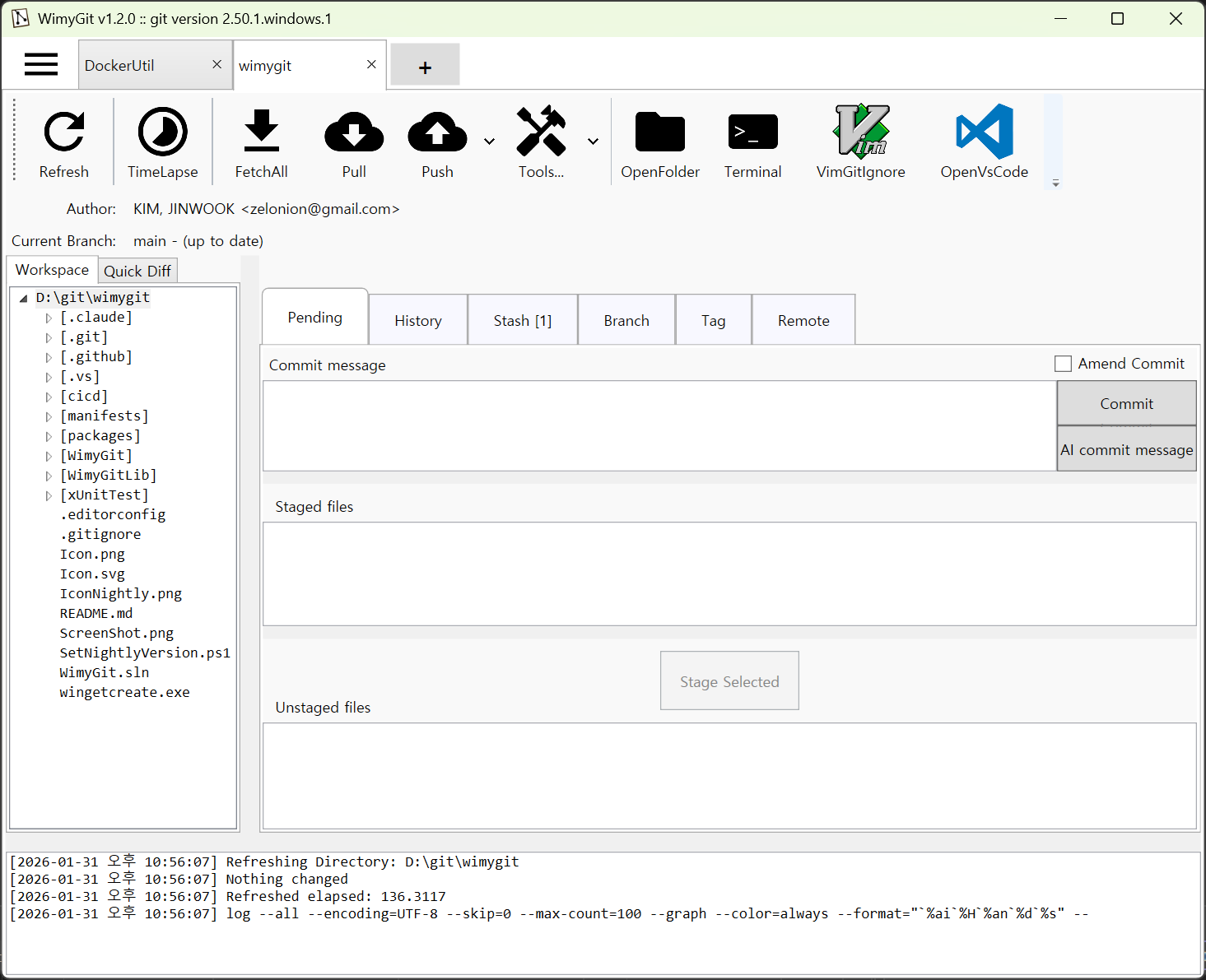
- Multi-tab Interface - Manage multiple repositories simultaneously
- Directory Tree Navigation - Browse repositories with an intuitive tree view
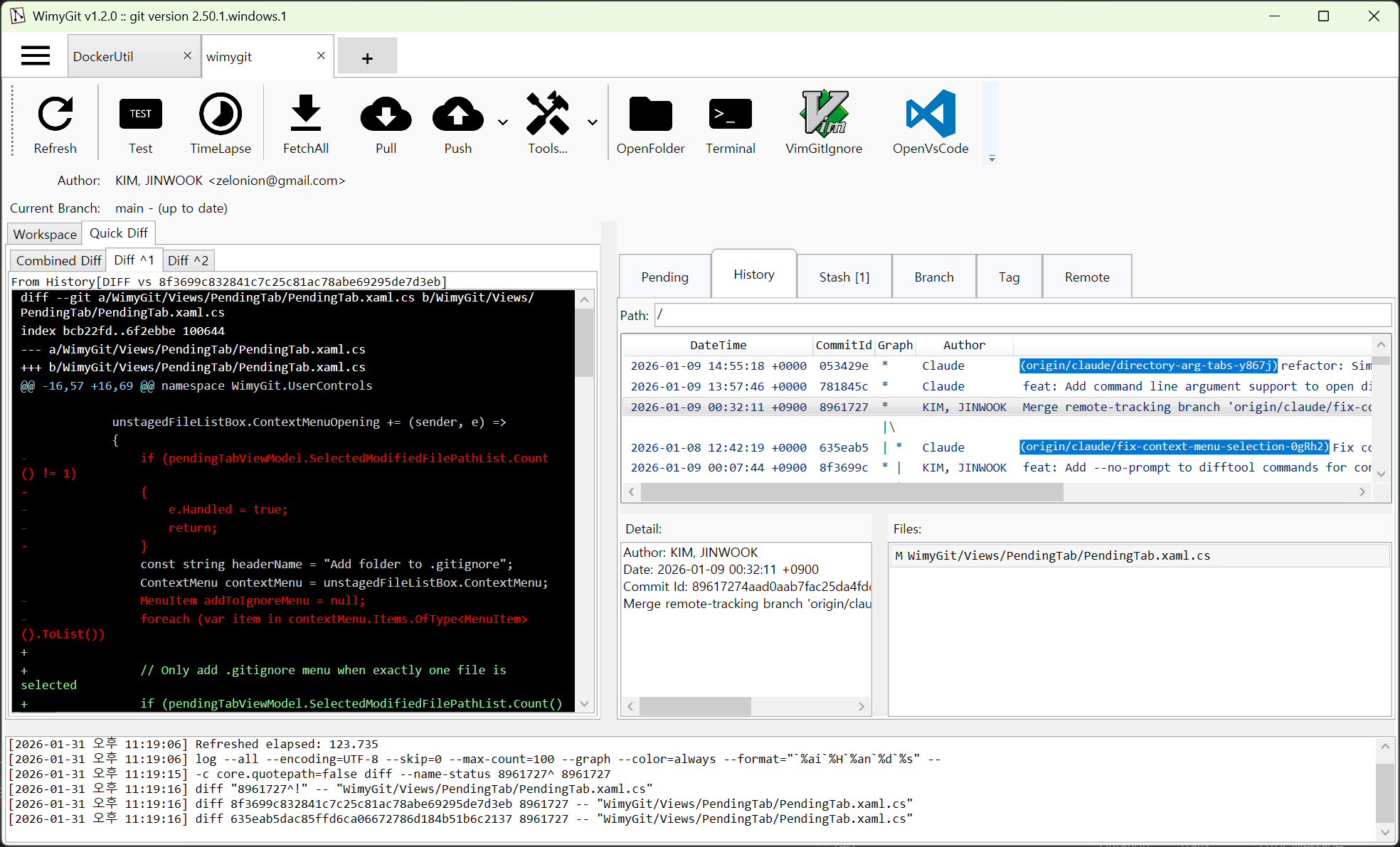
- History Viewer - View and search commit history with detailed diff views
- Staging Area - Stage, unstage, and commit changes easily
- Branch Management - Create, delete, and checkout branches
- Remote Operations - Push, pull, and fetch from remote repositories
- Stash Support - Save and restore work in progress
- Tag Management - Create and manage Git tags
- Quick Diff - Compare commits with parent commits (^1, ^2, etc.)
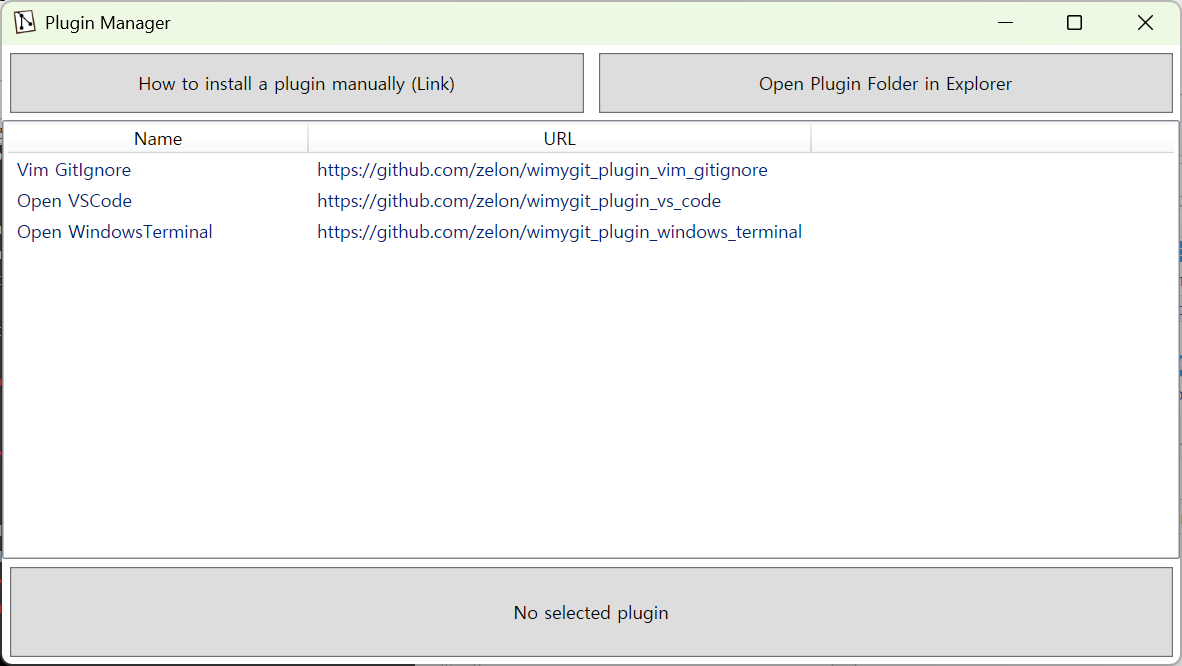
- Plugin System - Extend functionality with plugins
- Command Line Support - Open directories directly via command line arguments
winget install Wimysoft.wimygitDownload the latest release from GitHub Releases, extract the zip file, and run the executable.
Sometimes the gatekeeper blocks the app, run the following command:
xattr -c /Applications/Wimygit.app
| Component | Technology |
|---|---|
| Language | C# |
| Framework | .NET 10.0 |
| GUI | WPF |
| Platform | Windows |
| IDE | Visual Studio 2026 |
Following the CoreFX team's coding guidelines:
- Fork the repository
- Create a feature branch (
git checkout -b feature/amazing-feature) - Commit your changes (
git commit -m 'Add amazing feature') - Push to the branch (
git push origin feature/amazing-feature) - Open a Pull Request
c# wpf windows git git-client desktop-app